









Overview
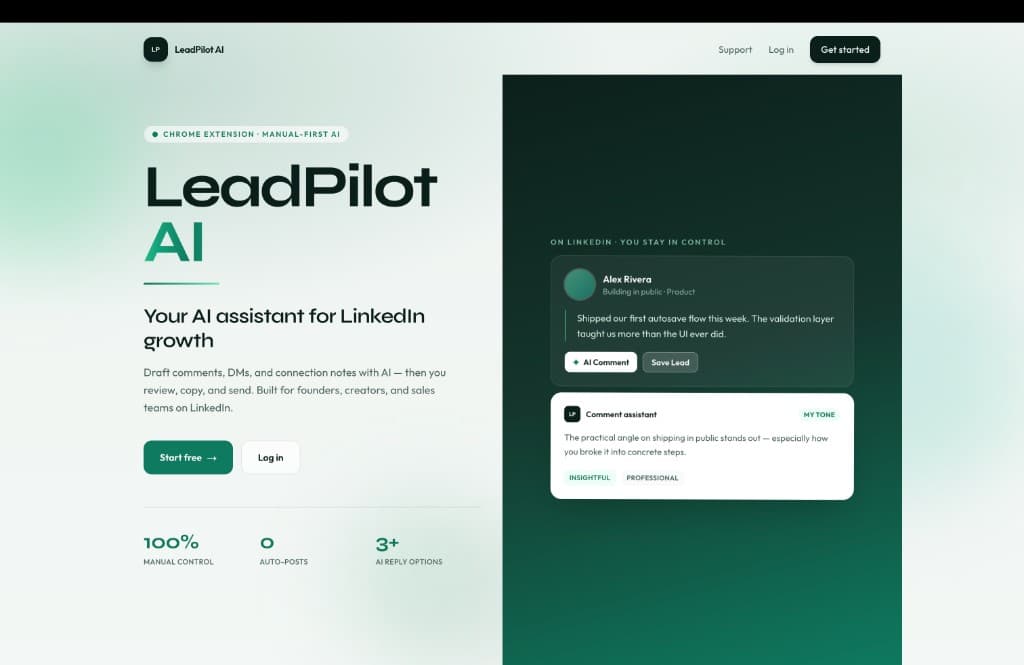
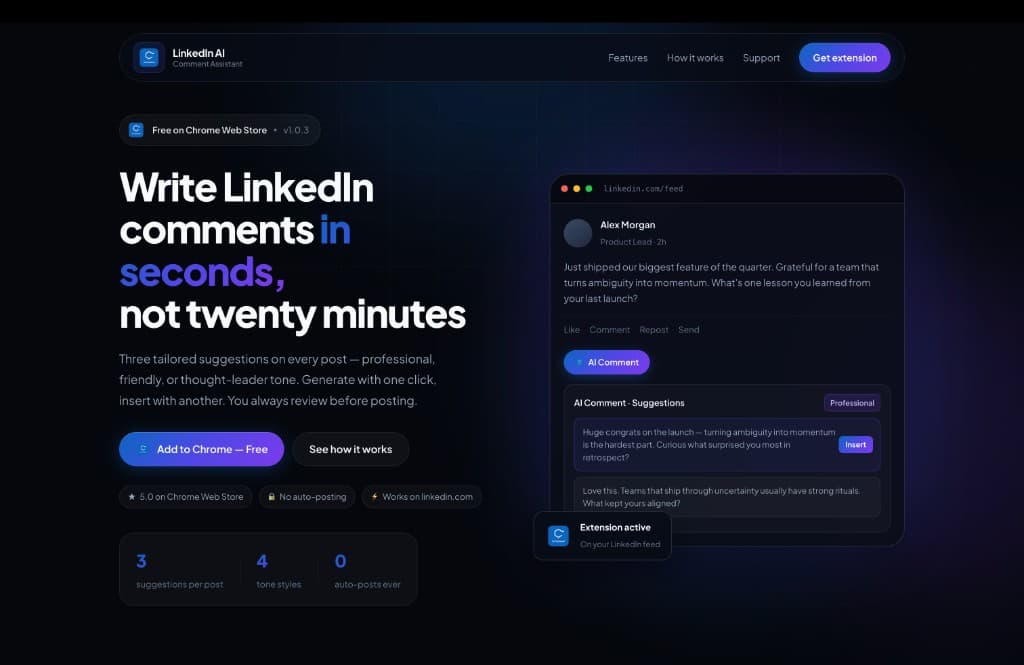
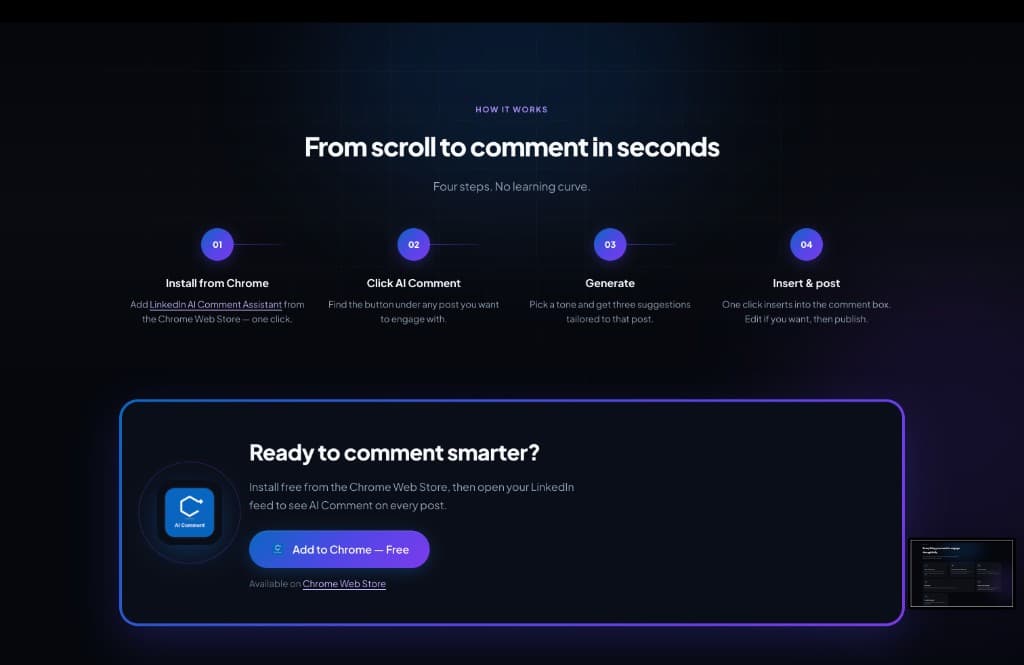
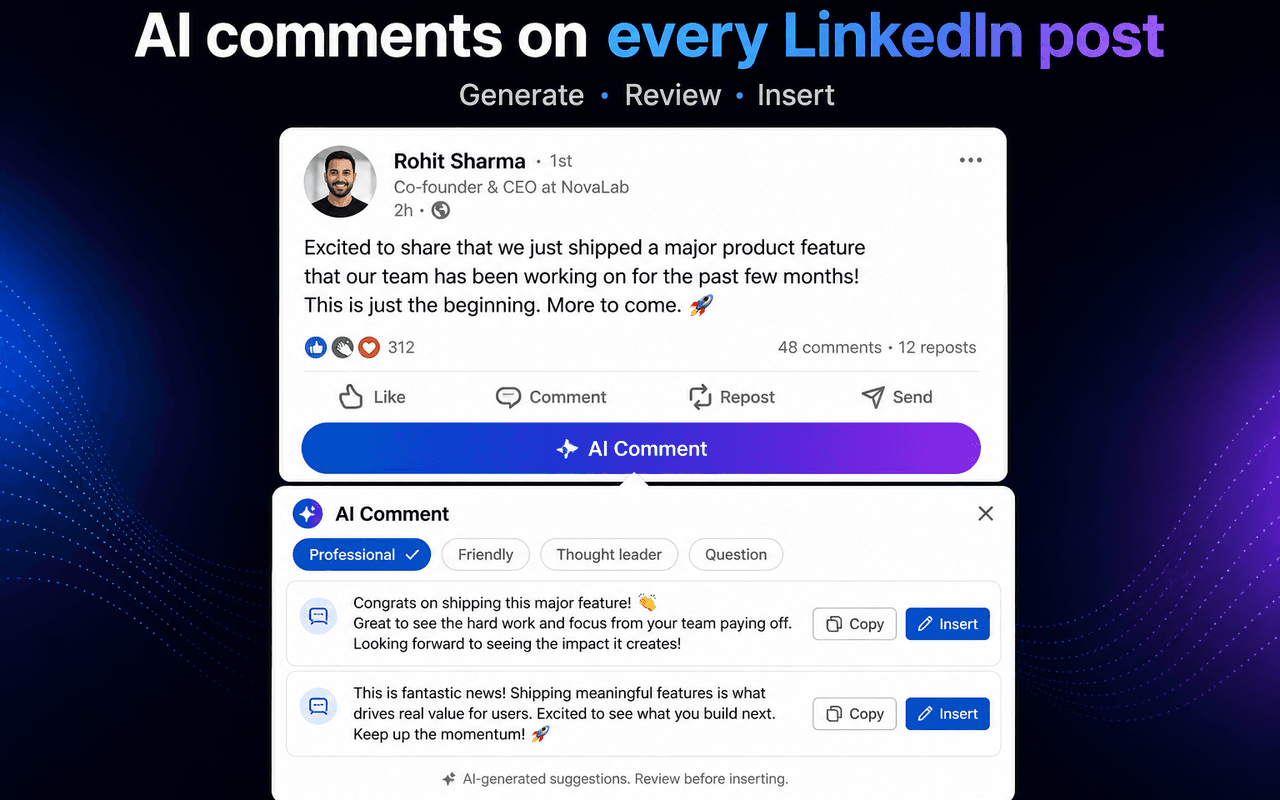
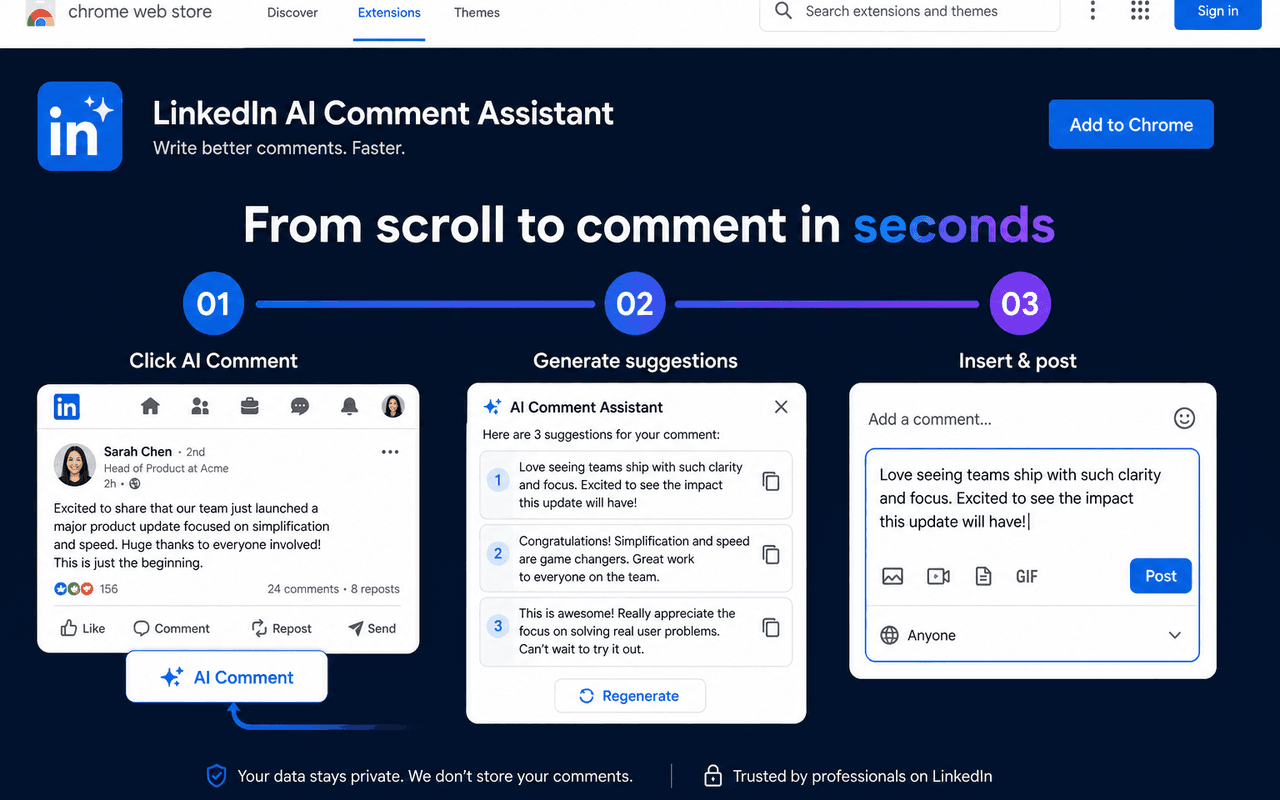
LinkedIn AI Comment Assistant is a Manifest V3 Chrome extension with a product landing page. An AI Comment button sits under each LinkedIn feed post; users pick a tone, get three suggestions, insert with one click, and always review before posting.
Problem
Writing thoughtful LinkedIn comments at volume is slow. Generic AI tools sit outside the feed and do not match the post in view or the user's preferred tone.
Solution
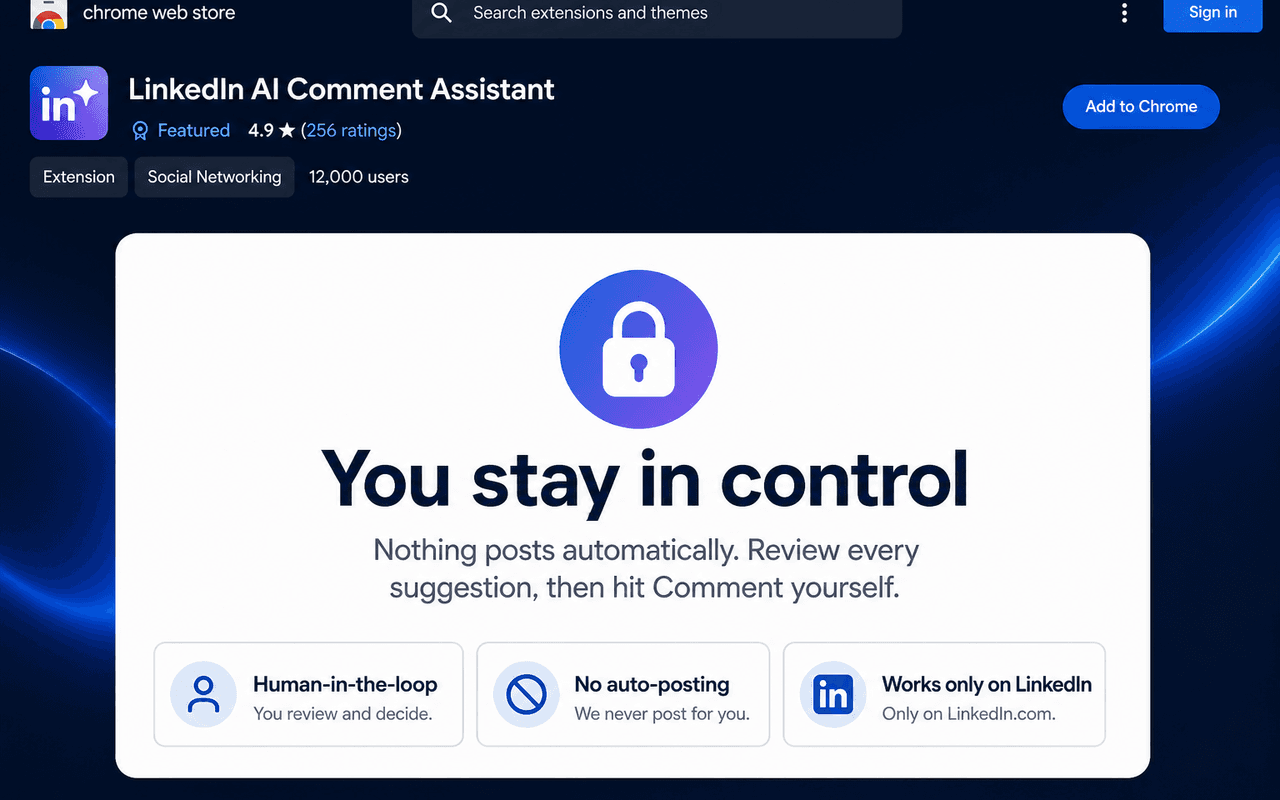
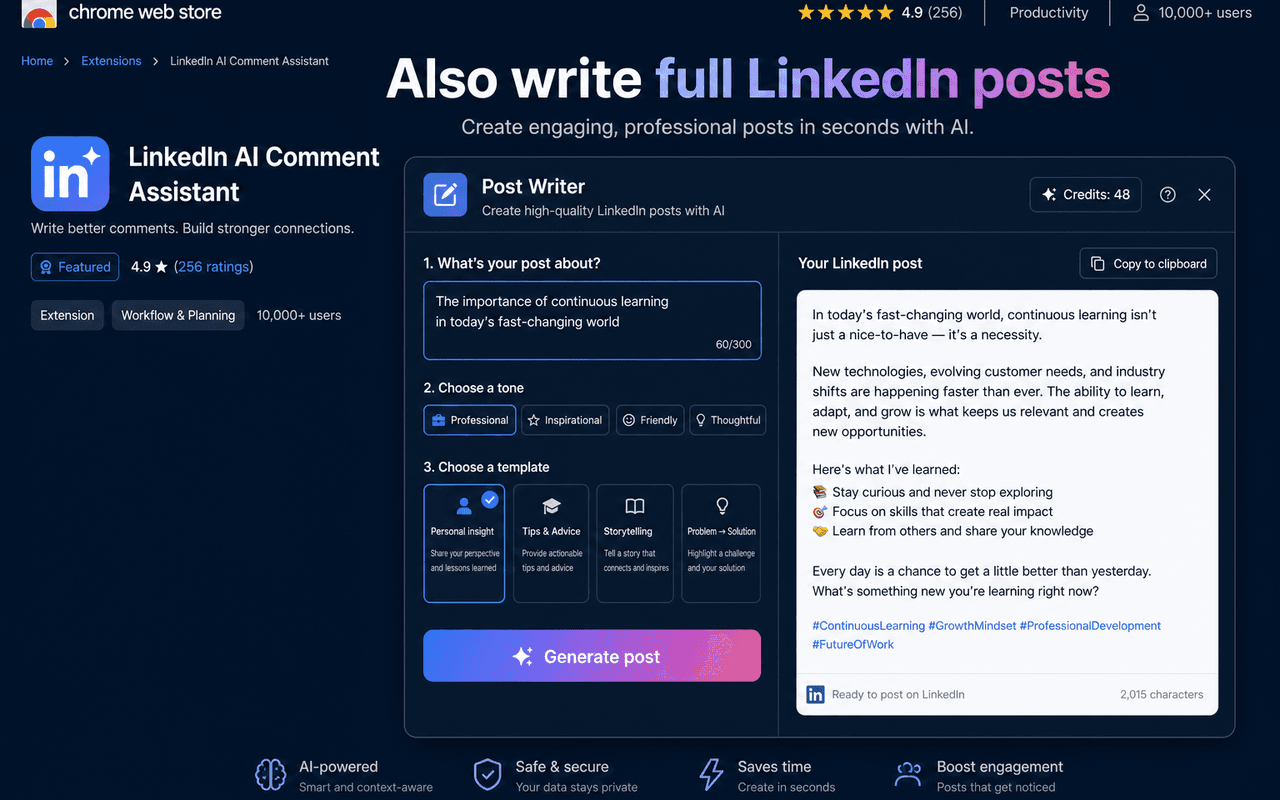
Built a content-script extension on linkedin.com plus a marketing site with install CTAs. The extension extracts post text, returns three tone-aware suggestions, supports a post writer, and never auto-posts.
My role
Sole engineer — Manifest V3 architecture, content scripts, popup UI, backend integration, store listing, and product landing page.
Key features
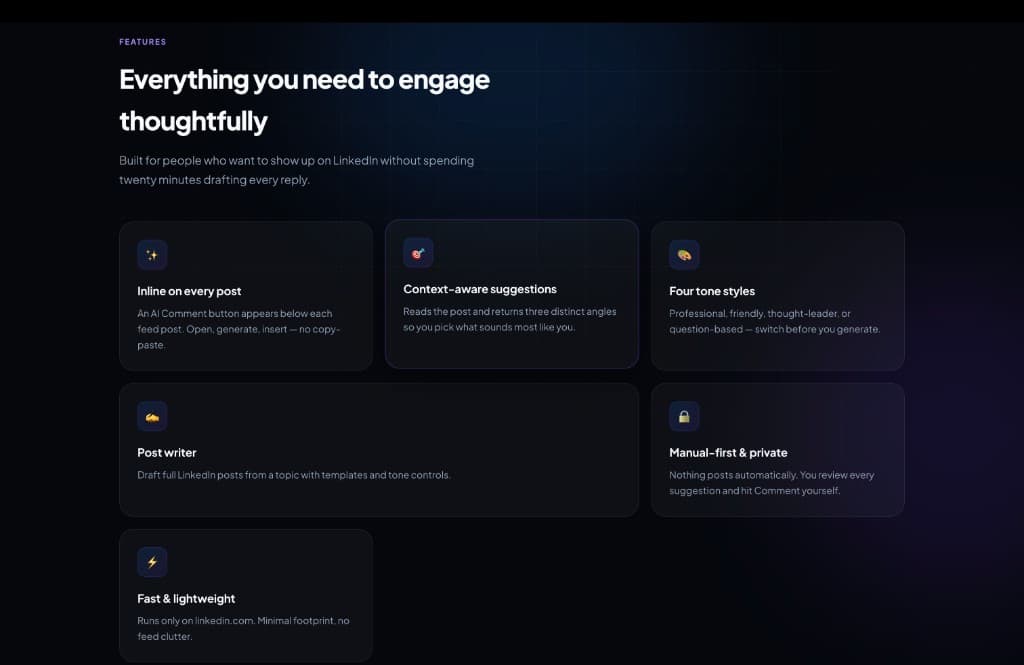
- Inline AI Comment button on every LinkedIn feed post
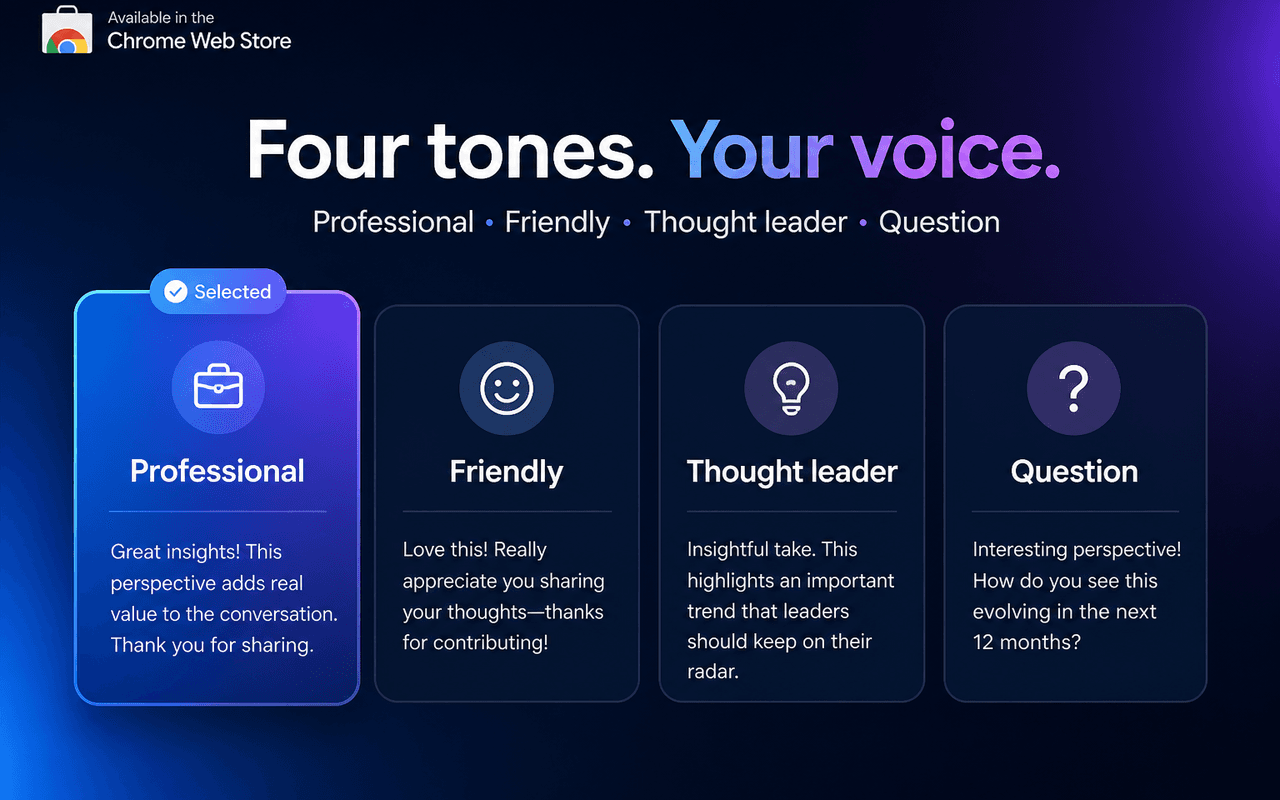
- Three context-aware suggestions and four tone styles
- One-click insert — never auto-posts
- Post writer for full drafts from a topic
- Marketing site with Chrome Web Store install flow
Results & impact
Speeds up thoughtful commenting on LinkedIn while keeping the user in control of every post.
Technology stack
- Chrome Extension
- Manifest V3
- Next.js
- JavaScript
- Chrome Storage
Screenshots
Related projects
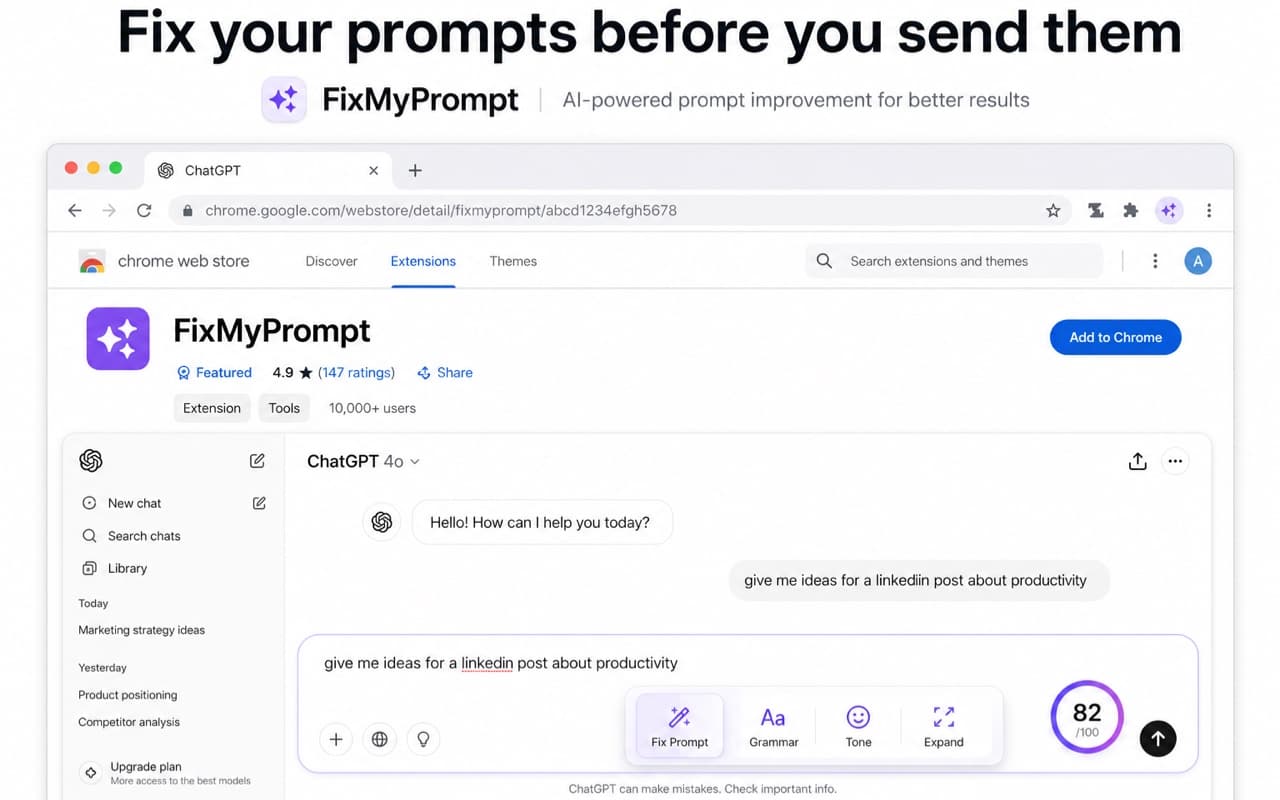
FixMyPrompt — AI Prompt Optimizer
A Chrome extension that scores and rewrites AI prompts on ChatGPT, Claude, Gemini, and more before you send — with a live 0–100 score, before/after compare, and one-click optimize.
Wallet Insights for Etherscan
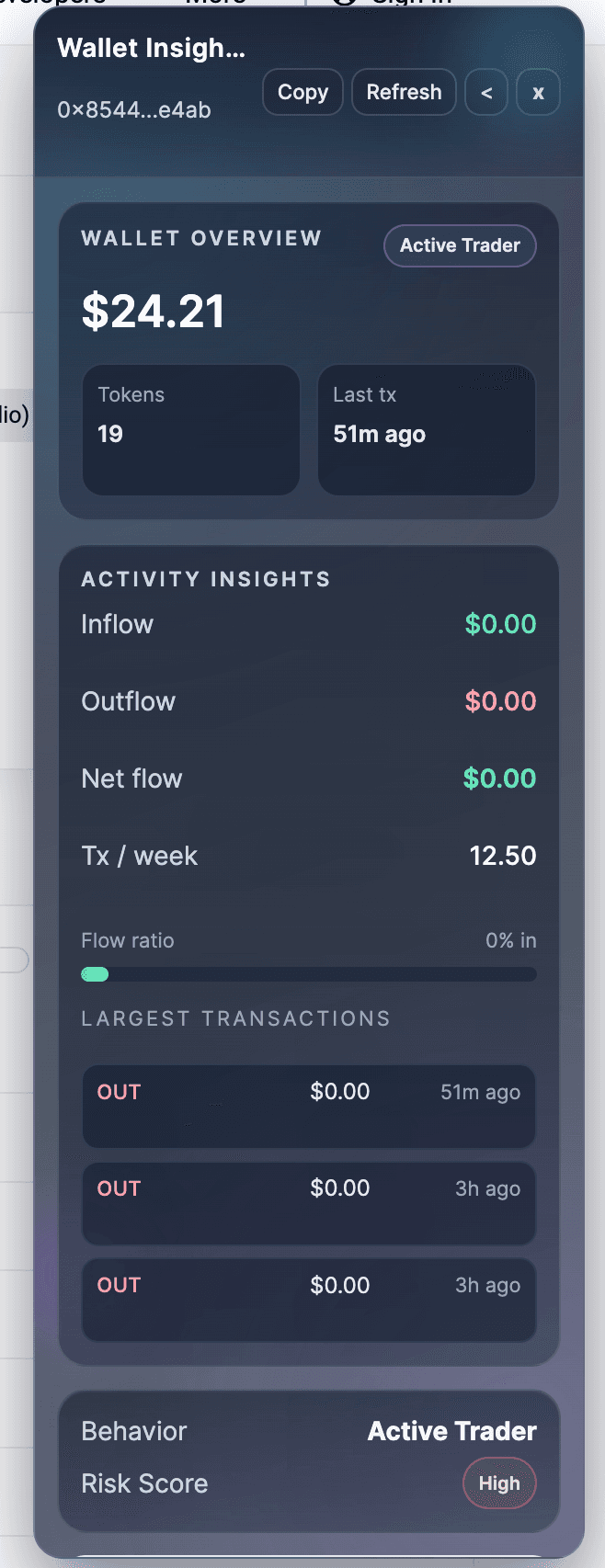
A Chrome extension that injects a wallet insights sidebar on Etherscan and PolygonScan — net worth, inflow/outflow, behavior tags, and a risk score without leaving the explorer.
Related articles
How to Work with APIs in Frontend Dashboards
REST vs GraphQL, error handling, caching, rate limits, data transformation, and TypeScript types. Practical API patterns for React and Next.js dashboard development.
APITypeScriptReact QueryHow to Handle Loading, Empty, and Error States in Modern Dashboards
Skeleton loaders, empty states, error recovery, wallet disconnected states, and API failure handling. Practical React patterns for Web3 and analytics dashboards.
UXReactDashboardsTypeScript Tips for Frontend Developers Building Dashboards
Type API responses with zod, use utility types, avoid any, handle optional data, and build type-safe components. Web3-specific TypeScript patterns with viem types.
TypeScriptDashboardsZod
Need a Web3 dashboard or frontend like this?
I build production-ready Web3 dashboards, DeFi interfaces, and analytics frontends with Next.js, TypeScript, and Tailwind CSS.