







Overview
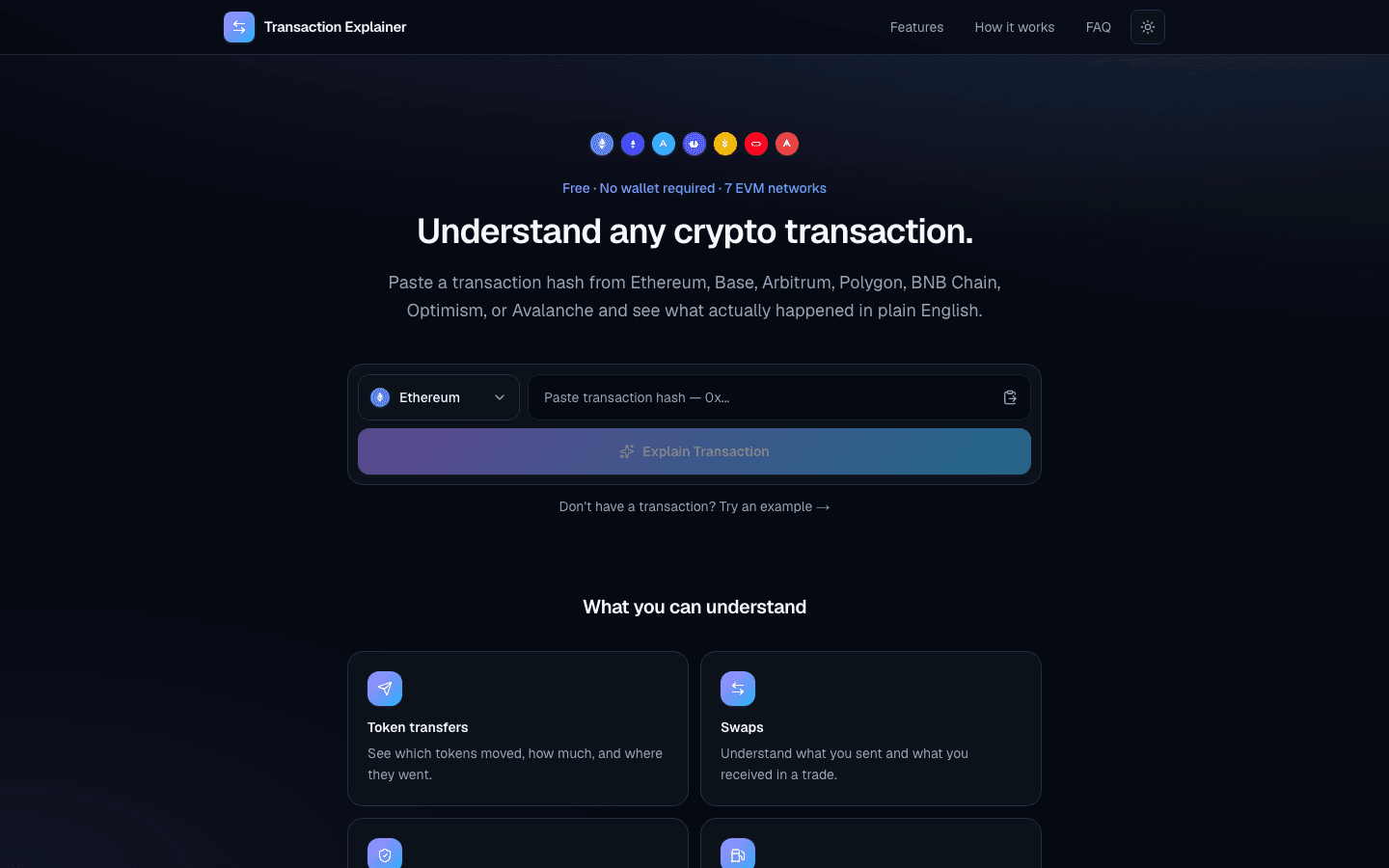
Transaction Explainer translates completed EVM transaction activity into plain-English summaries. Users paste a transaction hash, pick a supported network, and get transfers, swaps, approvals, gas fees, and wallet impact without connecting a wallet or reading raw explorer data.
Problem
Block explorers show raw logs, calldata, and token movements that are hard for non-technical users to interpret when they only need a clear answer to what a transaction actually did.
Solution
Built a hash-based explainer that reads the transaction and receipt, parses transfers, approvals, native value, and gas, then presents a plain-English summary with wallet impact and details underneath — across seven major EVM networks, with no wallet connection.
My role
Sole product engineer — product design, frontend, on-chain parsing, and explanation UX.
Key features
- Plain-English summaries for completed transactions
- Support for Ethereum, Base, Arbitrum, Polygon, BNB Chain, Optimism, and Avalanche
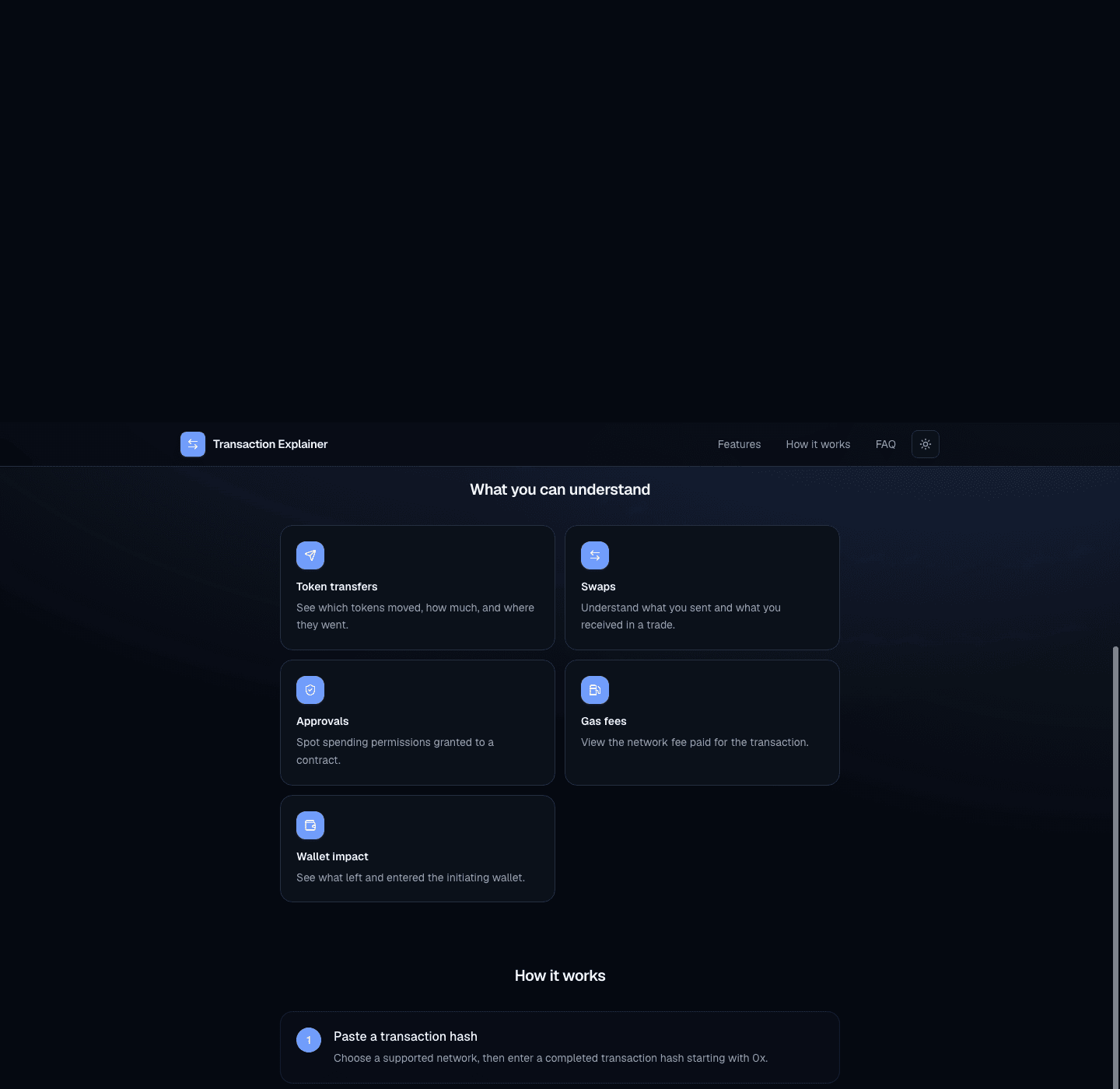
- Token transfers, swaps, approvals, gas fees, and wallet impact
- No wallet connection or signing required
- Example transactions for first-time users
Results & impact
Makes on-chain activity easier to understand for anyone who can copy a transaction hash, without risk scoring or scam detection claims.
Technology stack
- Next.js
- TypeScript
- Viem
- Tailwind CSS
Screenshots
Related projects
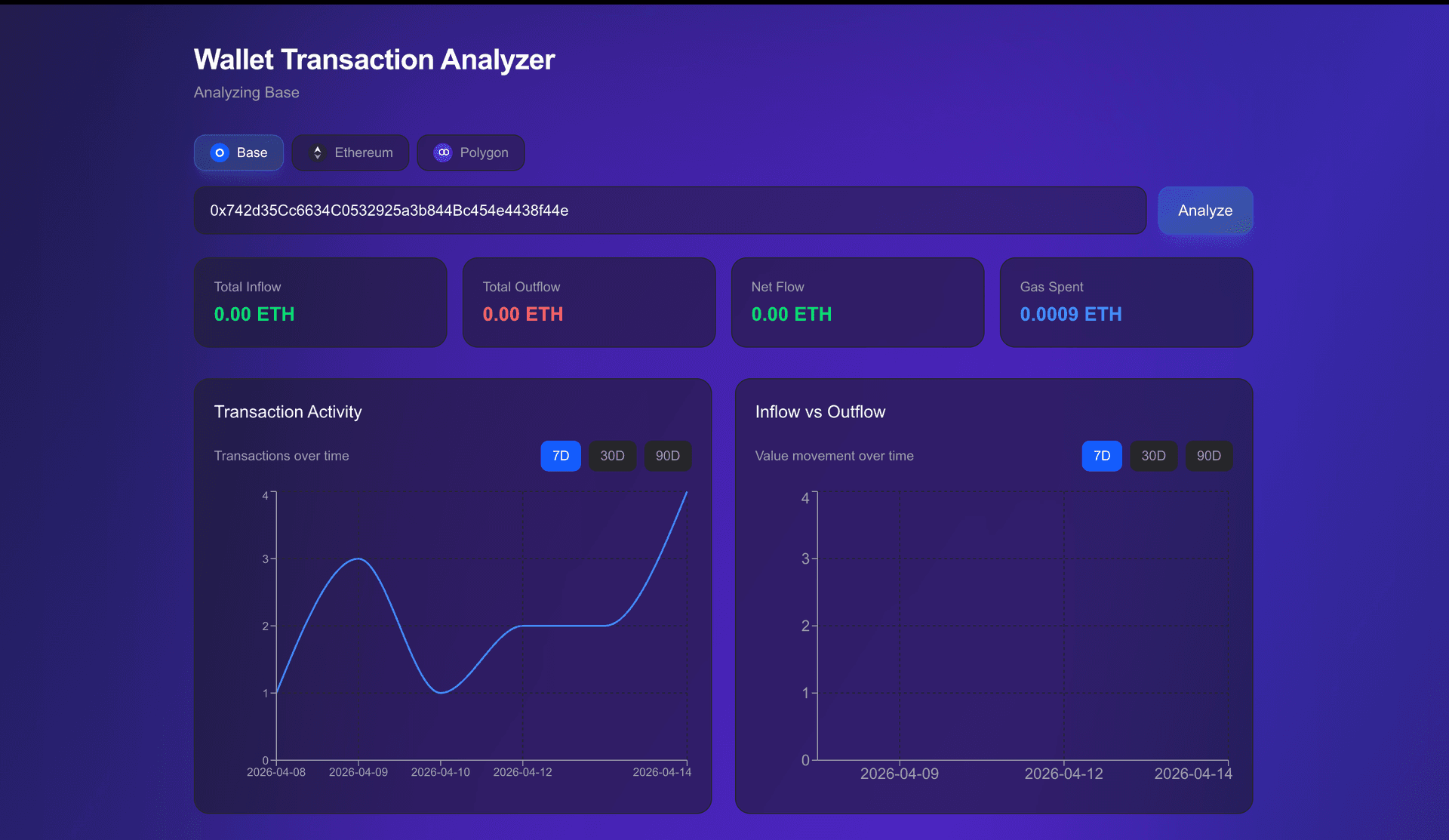
Web3 Wallet Transaction Analyzer
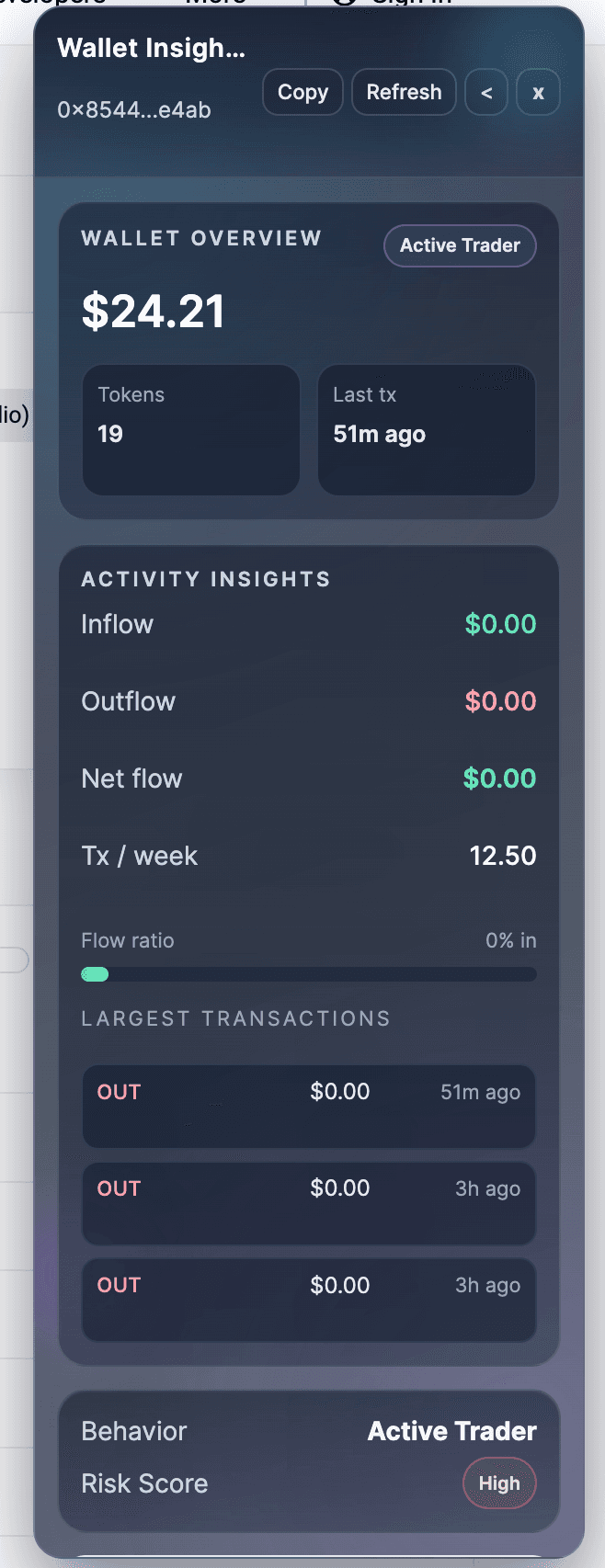
Multi-chain Web3 wallet transaction analyzer with real-time insights, inflow/outflow tracking, and wallet behavior analysis built with Next.js, TypeScript, and Moralis.
AI Web3 Wallet Assistant
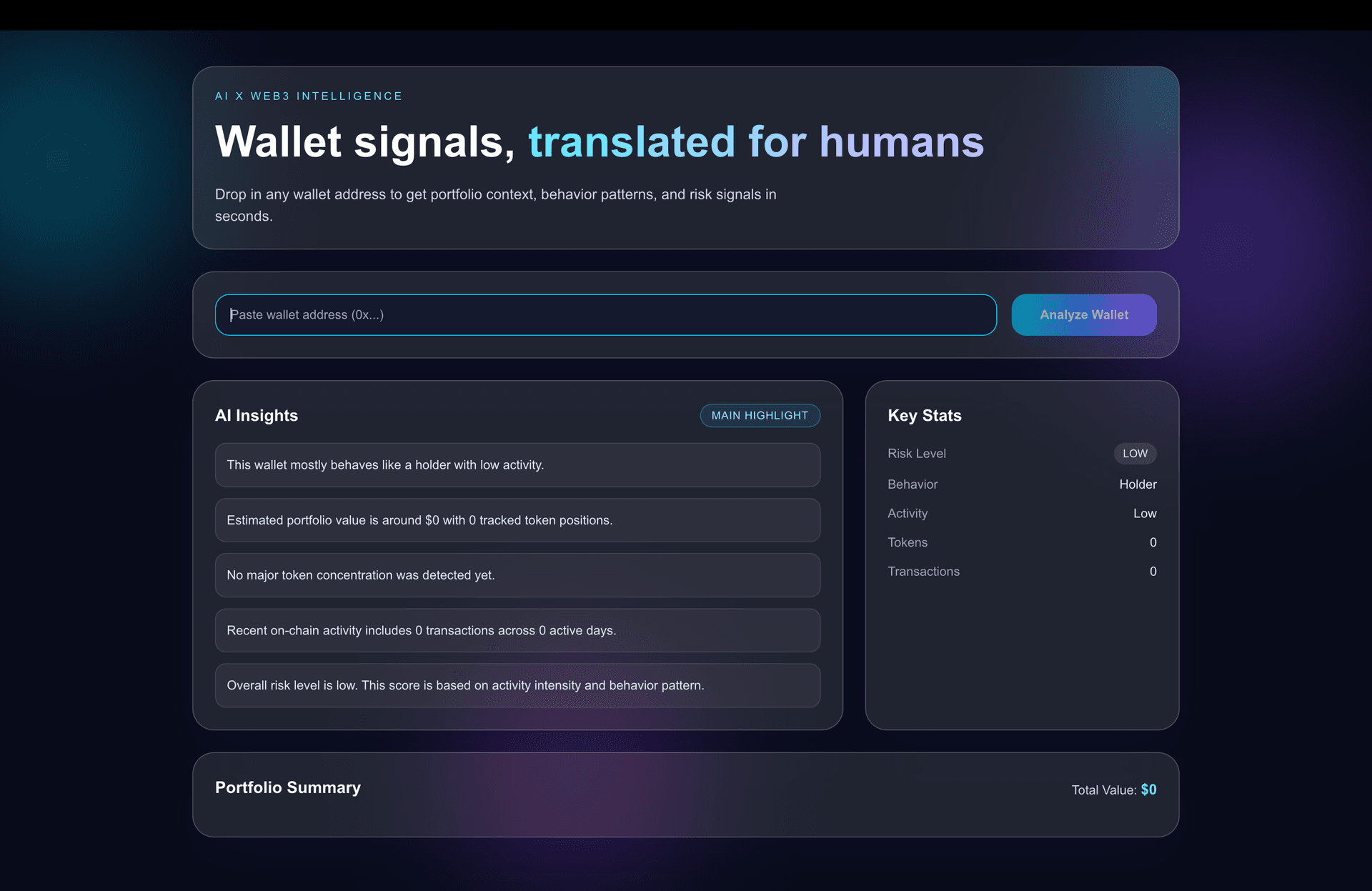
An AI-powered analytics tool that lets users paste any wallet address and ask questions in plain English. Pulls on-chain transaction data, runs it through an AI model, and returns clear summaries of wallet behavior, risk signals, and activity patterns — making Etherscan accessible to non-technical users.
Web3 Whale Tracker Dashboard
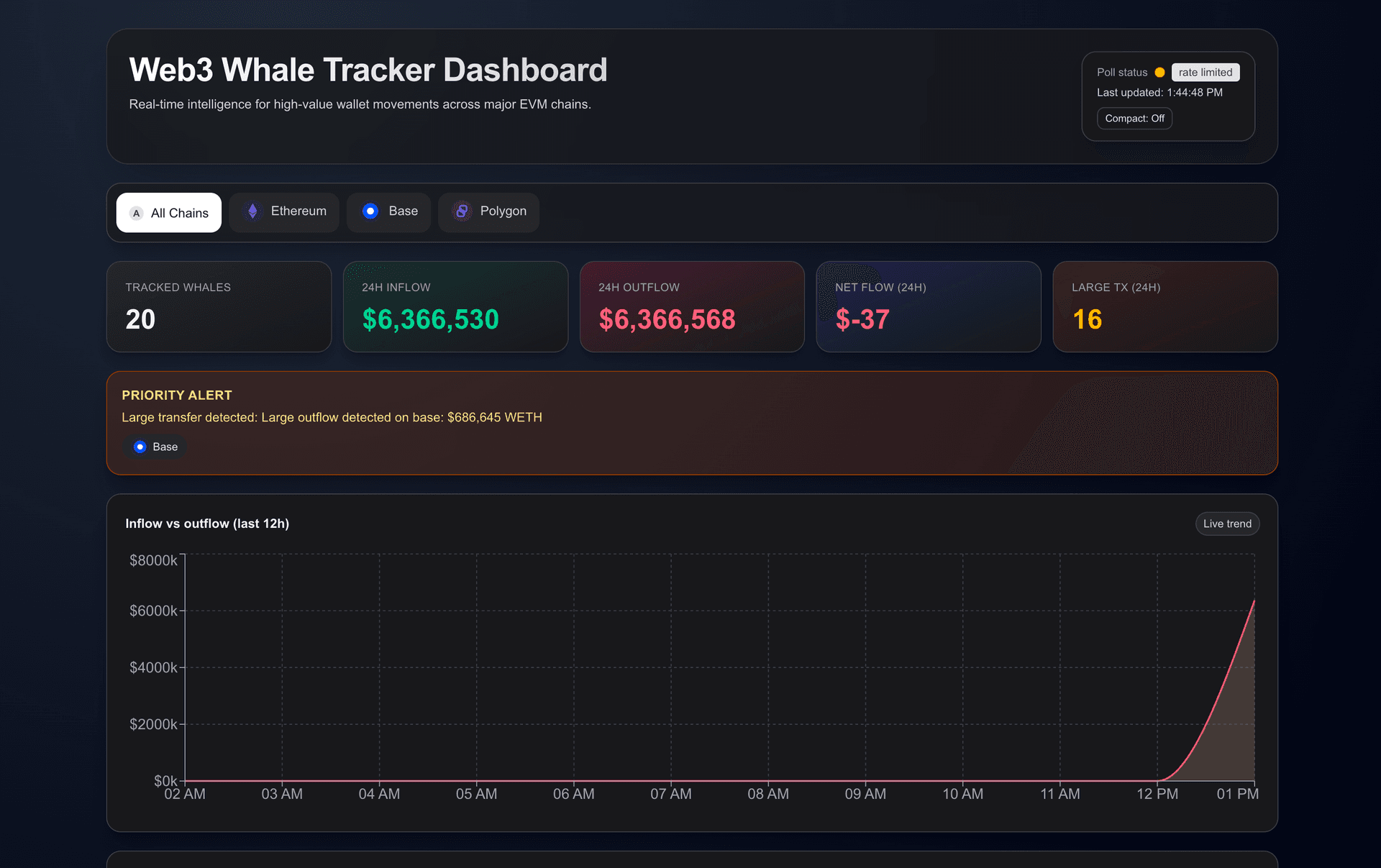
A multi-chain whale tracker that monitors large wallet activity and surfaces major inflows/outflows in near real-time. Built with Moralis for on-chain data and Recharts for clean, filterable data visualization.
Related articles
Wallet UX Best Practices for Modern Web3 Apps
Learn how to design wallet connection flows, handle network switching, manage disconnected states, and build trust in Web3 products. Practical patterns for dashboards and DeFi apps with wagmi v2 code examples.
Web3UXWagmiCommon Web3 Frontend Development Mistakes and How to Avoid Them
The most common Web3 frontend bugs: poor wallet error handling, over-fetching RPC data, weak loading states, wrong network handling, and bad mobile UX. Practical fixes with code examples.
Web3FrontendUXHow to Build Trust in Web3 Product Design
Design patterns that build user trust: clear wallet permissions, transaction previews, gas transparency, security warnings, and data source attribution for Web3 products.
Web3UXTrust
Related services
Need a Web3 dashboard or frontend like this?
I build production-ready Web3 dashboards, DeFi interfaces, and analytics frontends with Next.js, TypeScript, and Tailwind CSS.